
UNLOCK YOUR OFFER
See why restaurants are switching to automated displays.
- Save 10+ hours/month on updates.
- Change prices & menus instantly.
- Compatible with Any Android TV Sticks or Amazon Fire TV Sticks.
NO CREDIT CARD. NO LOCK-IN. NO RISK.
Account creation is free; no payment information required to register. Active subscription required to publish content to screens. Plans are billed month-to-month with no long-term contract. Hardware sold separately. Internet connection required for instant updates.

Unlock Offer Now !
Starts from 10$ per screen
We offer free advice and are here to discuss your needs, recommend solutions or provide a quote.

Thanks for submitting!
You’re officially on our early-access waitlist!
Thousands of Beautiful Canva Templates.
Publish to your screens in seconds.
No card needed. 10-second signup
Food places in the USA use Screen Pulse
Type it. Your TVs show it.
Make menus and posters fast. Send to one TV or all. Easy!
99.9% uptime — always there when you need it

~5 min setup — quick and simple


Official Canva Certified Partner
Create in Canva. Publish everywhere with Screen Pulse.
Create, edit, and publish screen content using Canva’s design engine—directly with Screen Pulse.
How it’s works
From setup to stage, and from audience engagement to post-event analytics, manage your entire experience seamlessly.
Step 1
Pair

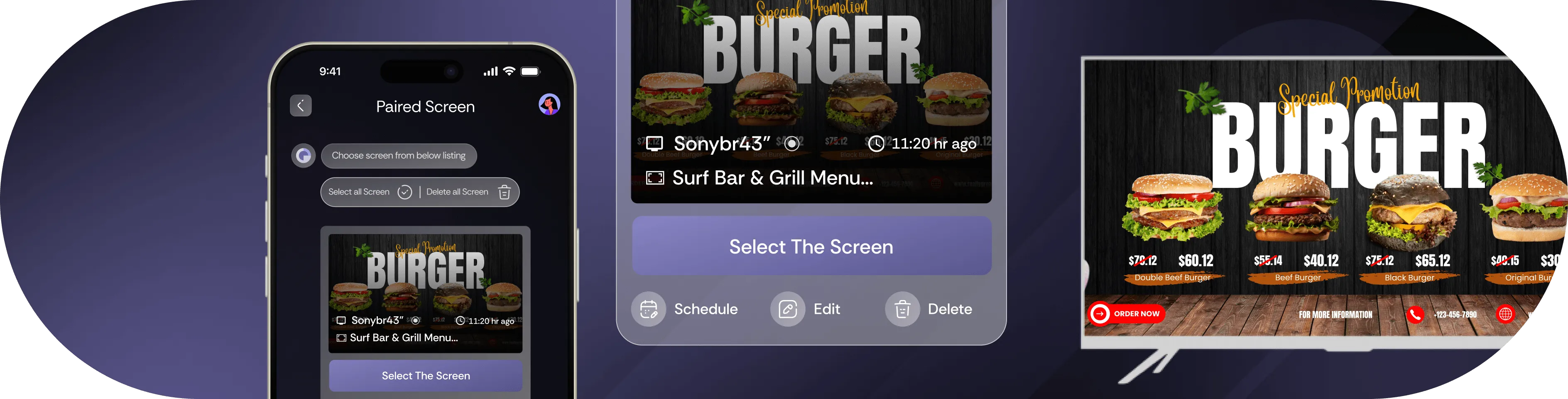
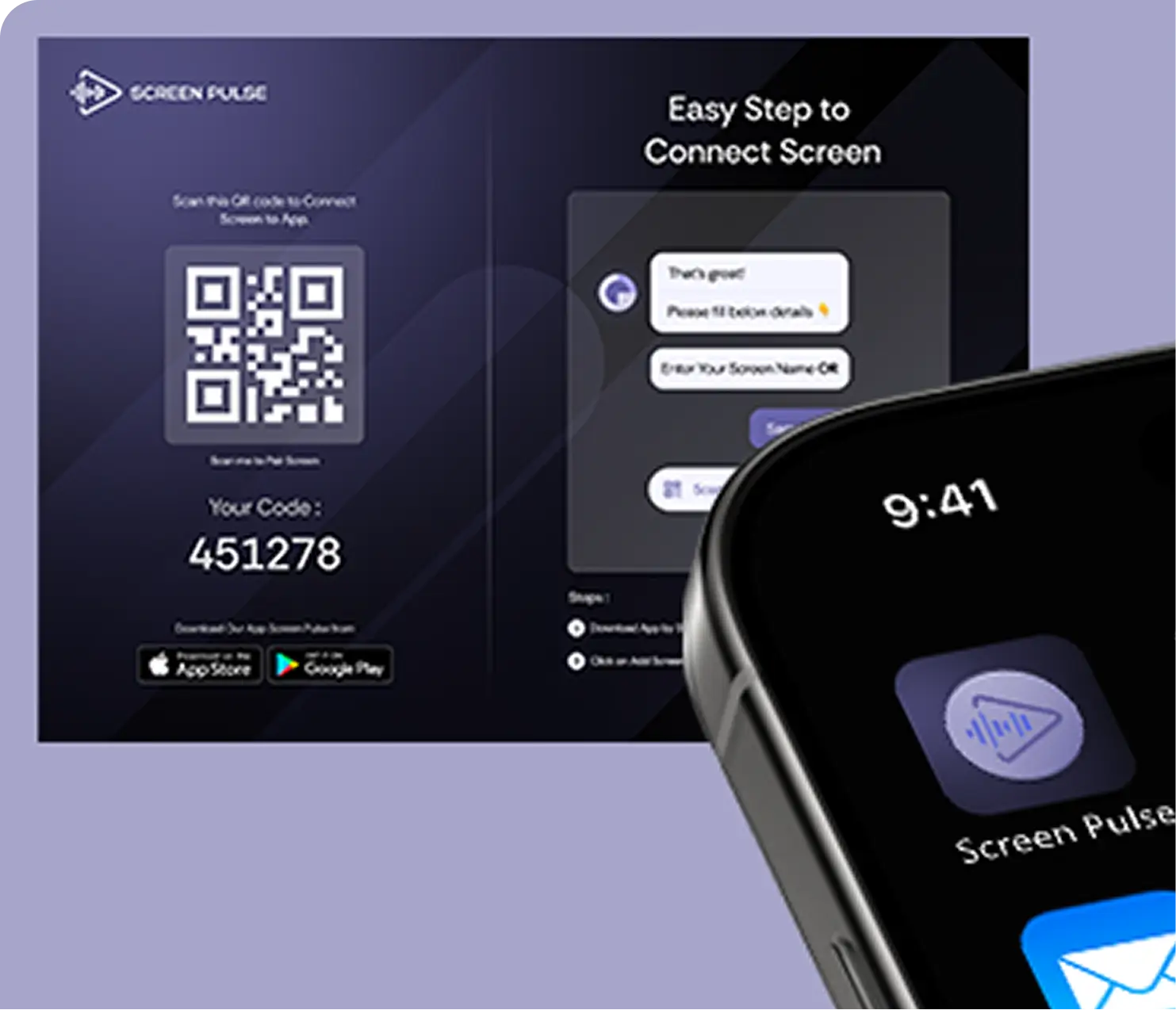
Pair your screens:
Turn on the TV. A code shows. Type the code in chat. Done.
Step 2
Pick
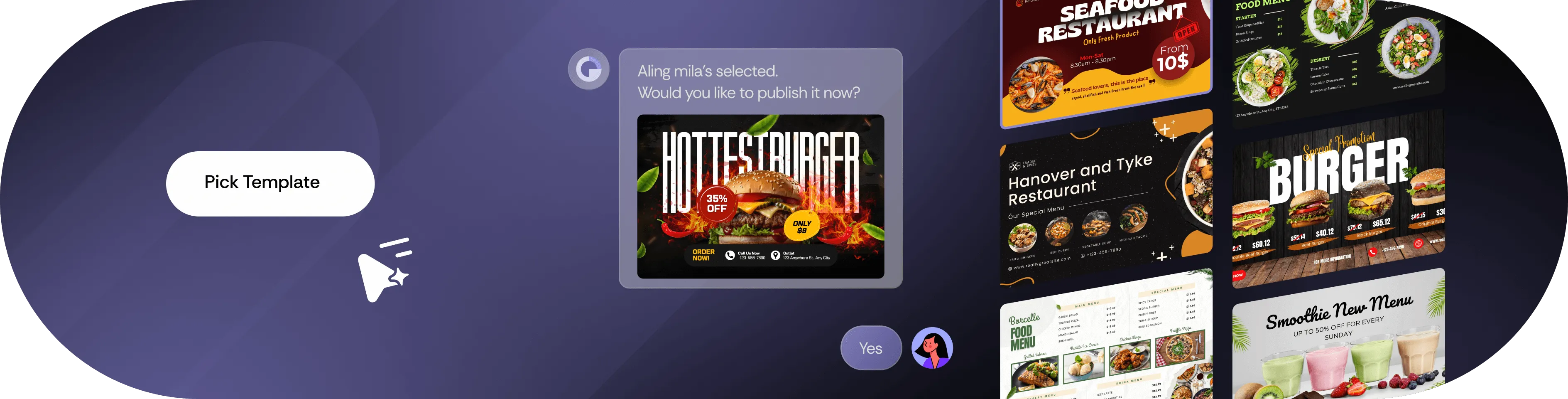
Pick content in chat:
Choose from your library or thousands of templates. Same for all or per TV.
Step 3
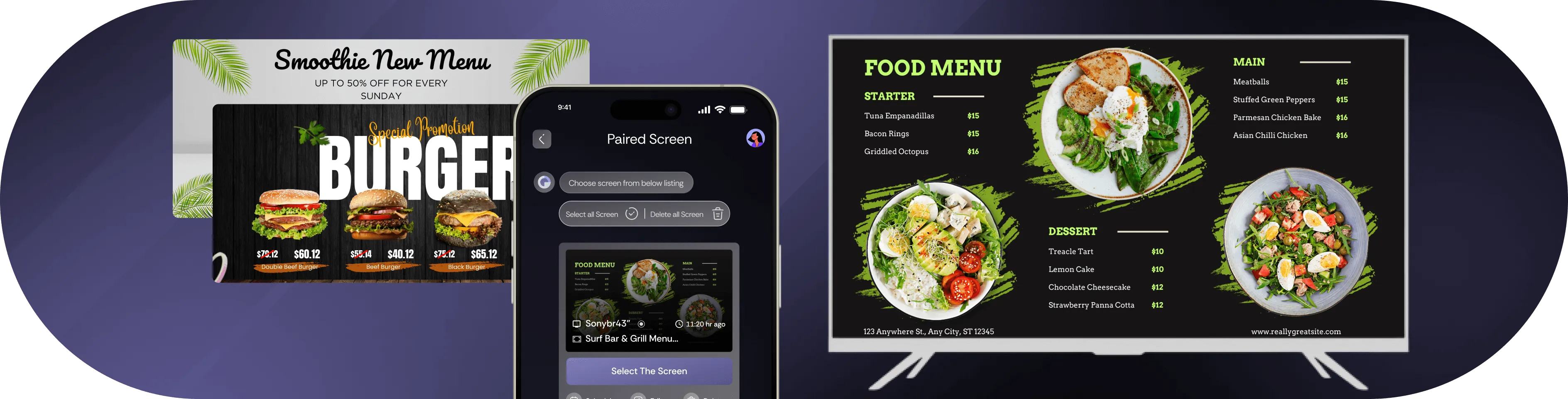
Publish
Tap Publish now. Or set a time. If a TV is offline, it updates later.
Reserve My Walkthrough Spot Today
No card needed. 10-second signup
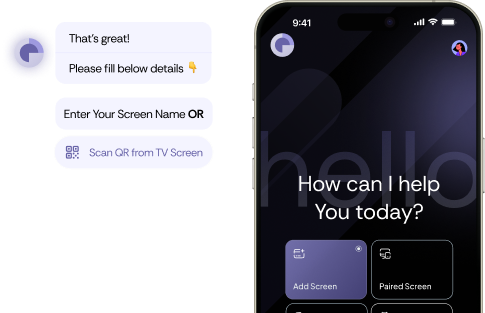
Why Join the Waitlist?

We set it up for you
We pair your TVs and publish your first menu.

Thousands of ready templates
Menus, promos, and dayparts you can edit fast.

5-minute to quickstart
A tiny playbook: Pair → Pick → Publish.

We move your stuff
Send logos and menus. We import them.
Our Top Most Features

Chat-to-Operate
Type a message to run everything.
A: By chat. Owners send messages to pair, publish, swap, or monitor displays—no console needed.
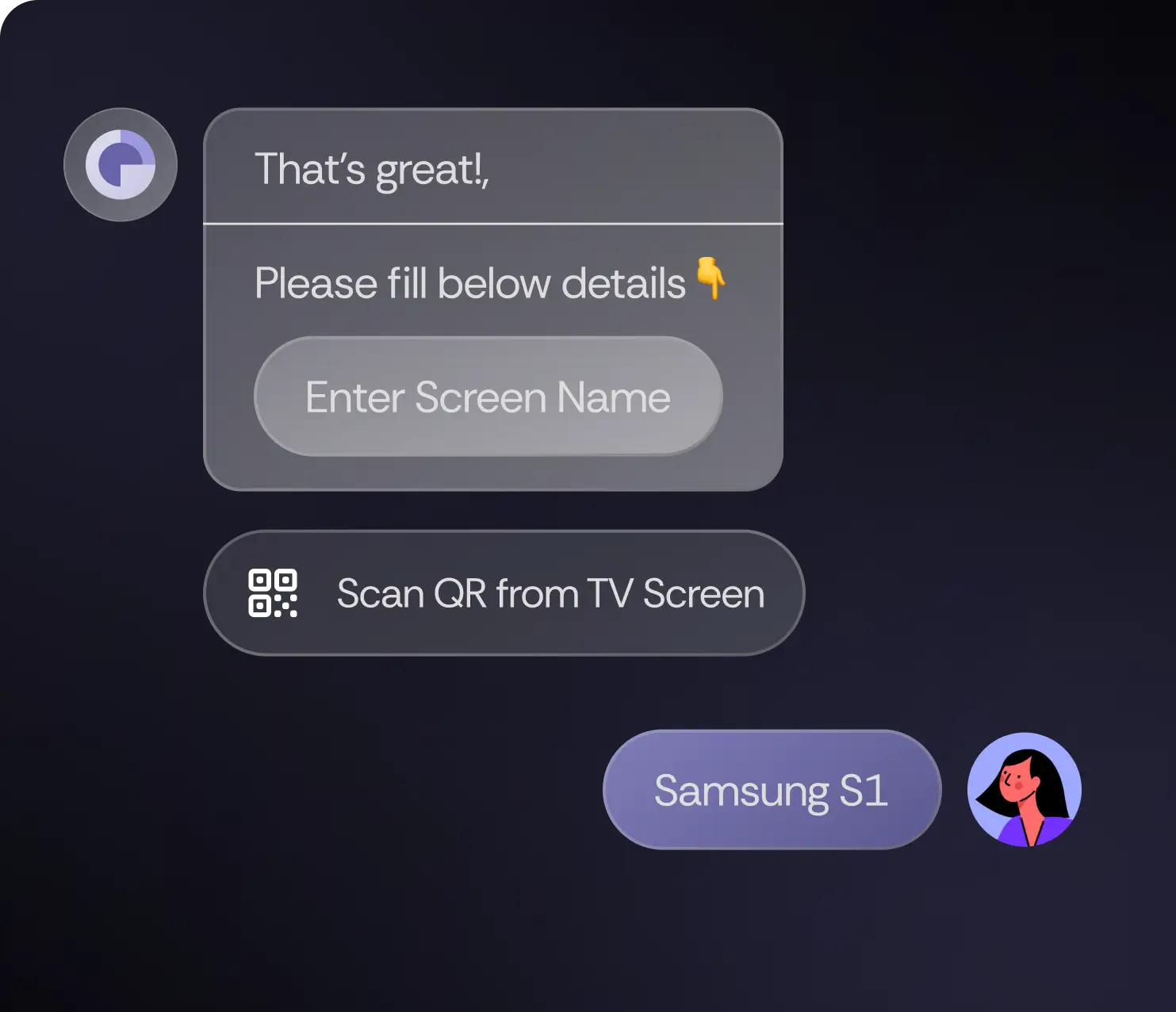

Per-screen mapping
One design for all, or custom per TV.
A: Yes. Use per-screen mapping to apply one creative to all TVs or assign unique items per screen.
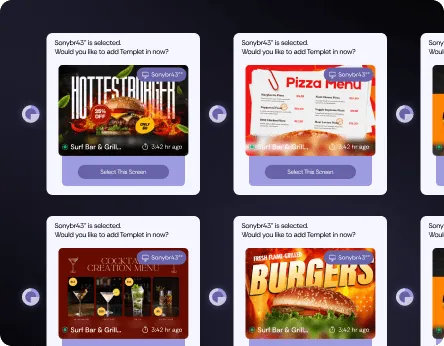

Schedules
Default is Play now. Add dayparts when needed.
A: No. Default mode is Play now. Scheduling is optional.
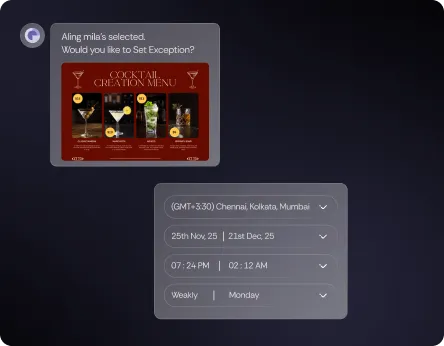

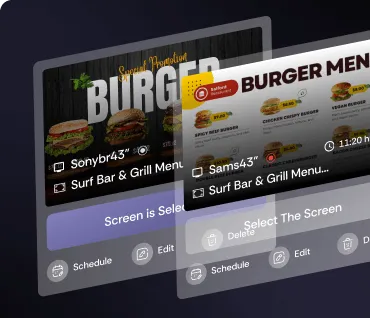
Remote controls
See a screenshot. Pause, resume, dim, or black out. Reboot with MDM.
A: Use quick access tools to schedule orders, edit templates, delete screens, and manage content.
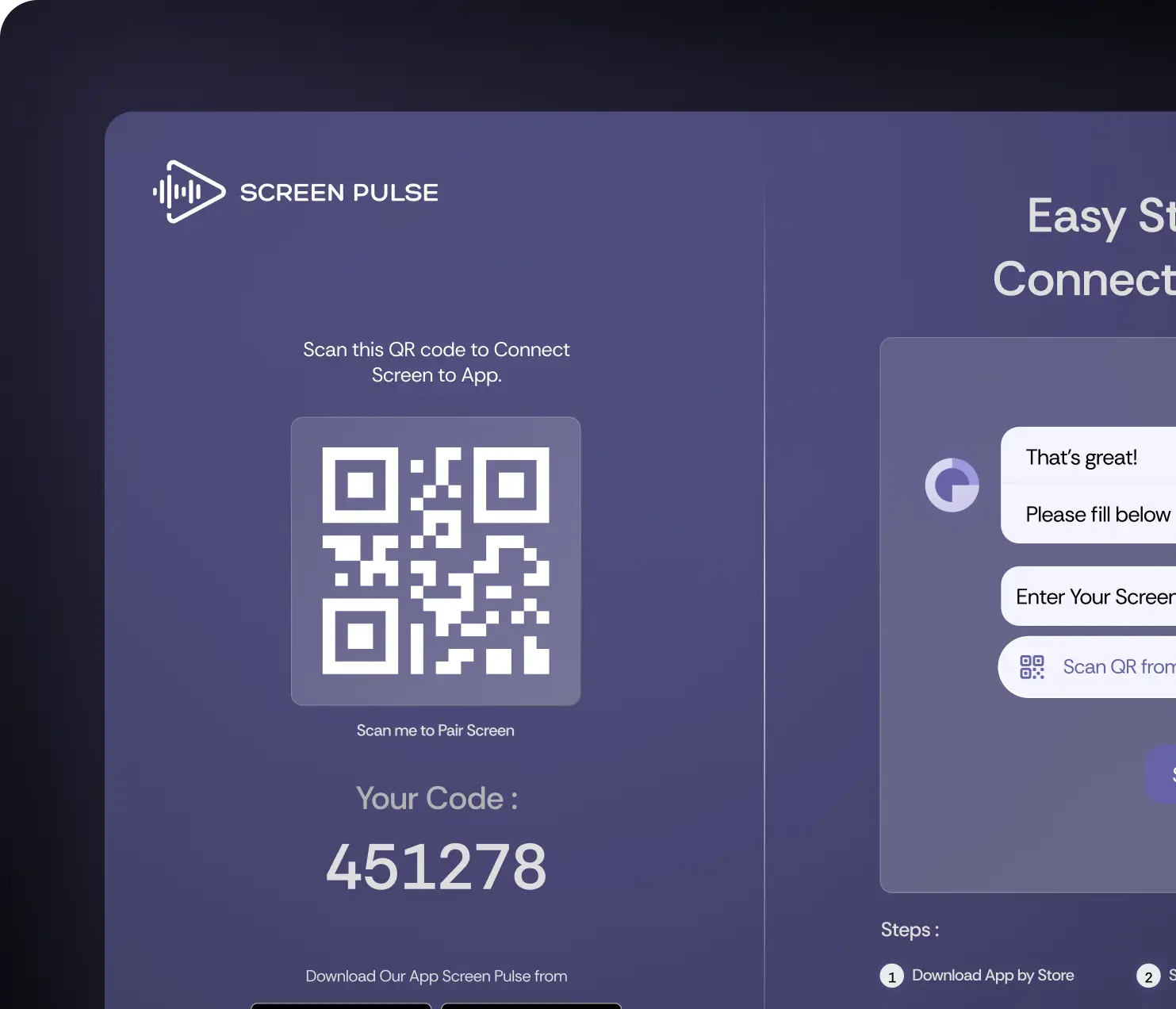

Health & alerts
See what’s playing. Get a ping if a TV drops.
A: Yes. You can see what’s playing on each screen and get notified if a screen drops.

Android-ready
Android TVs and boxes. Kiosk mode ready.
A: Screen Pulse works with Android TVs & boxes, with a kiosk-ready player APK.
No card needed. 10-second signup
Browse FAQs
No. You use chat for everything.
Yes. Turn on Per screen and assign items.
No—Play now is default.
We queue the change. It updates when back online.
Android TVs and Android boxes via our app. Kiosk is optional.
AI Menu Studio includes monthly design and animation credits. If you run out, you can top up anytime from your Screen Pulse account. If a design fails, its credits are returned.
No. Every change asks you one Yes / No question in the chat; texts and public posts go out only when you tap Yes. Small fixes like restarting a screen happen straight away.
Only if you allow it when you connect (two boxes, off by default), and each text or post needs your tap on Yes. You can turn either off anytime in Platform Connections.
No. You sign in on Screen Pulse's own page, and the assistant only gets an access token that you can revoke at any time.
Go to Platform Connections → AI Assistants and choose Disconnect. Changing your password also disconnects all assistants.
No. Connecting Claude, ChatGPT or Gemini to Screen Pulse is free. AI Menu Studio actions you run through an assistant use your included AI credits, just like in the web app.
Only what you ask about in the chat, for example screen names or a snapshot. That information is processed by the assistant's provider under its own privacy policy.
Ready to update screens the easy way?
Join for concierge setup, thousands of templates, a 10-minute quickstart, and asset migration.
No card needed. 10-second signup